On your machine.
On your terms.
The Python analysis engine runs locally. Bring your data into your own workspace, without a browser-based upload pipeline.
Understand the data boundary ↗
Your data, methods and evidence.
One local-first
bioinformatics workbench.
EleuScope takes you from a biological question to an analysis you can inspect—with visible code and a record of how you got there.
Built for researchers. Designed to keep you in control.
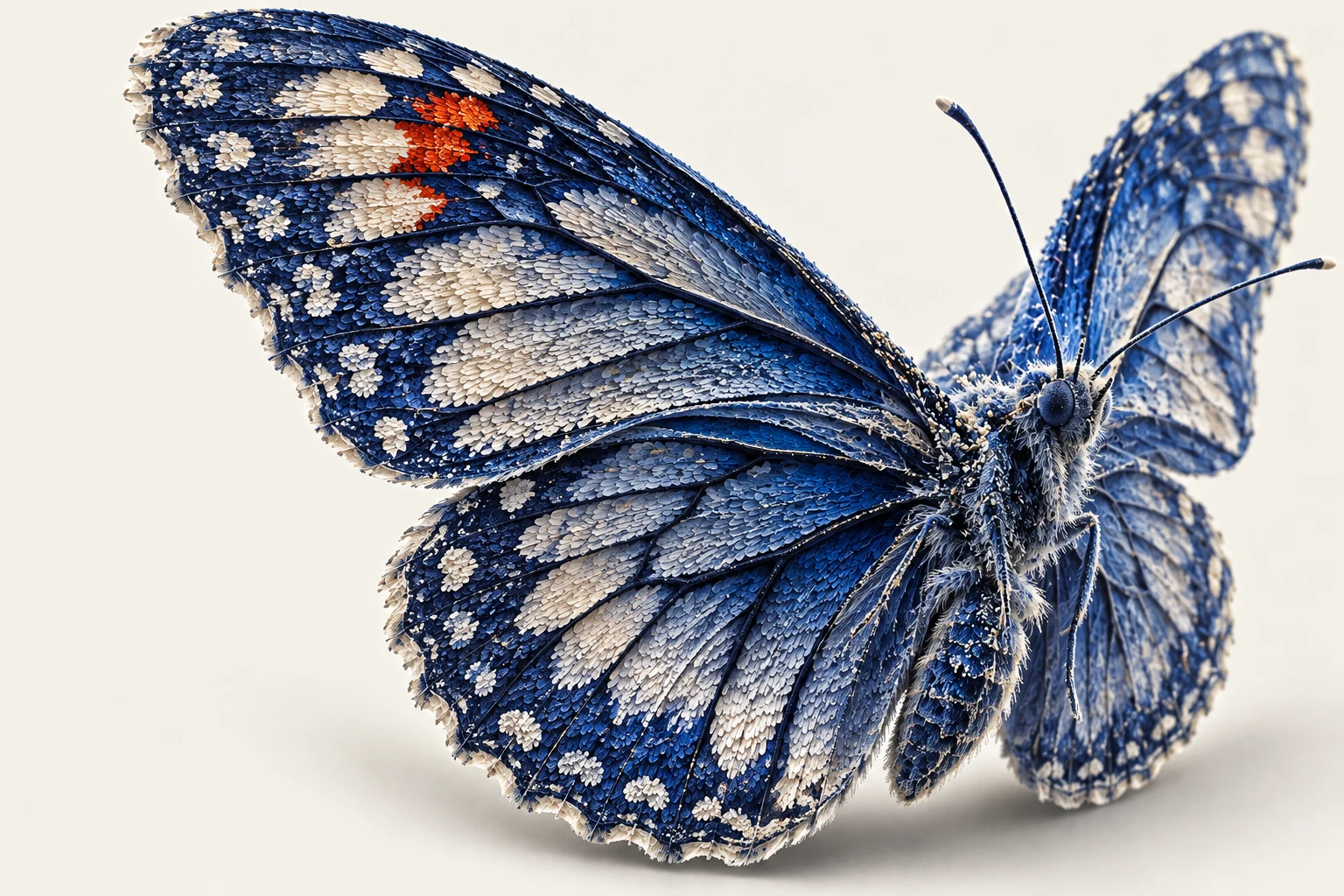 A closer look changes the question.
Follow the butterfly from its wing to the structures within, then explore how data becomes a figure.
These simulated counts illustrate the workflow. They are not measurements of the butterfly. Groups A–D are simulation labels, not inferred cell types.
| Feature | Count |
|---|
UMAP of normalized, log-transformed counts. 240 cells × 16 features; 15 neighbors; minimum distance 0.22; fixed seed 20260917. Group colors follow the simulation labels.
The Python analysis engine runs locally. Bring your data into your own workspace, without a browser-based upload pipeline.
Understand the data boundary ↗Review the analysis and its assumptions. Scientific preflight brings replication, pairing and confounding into the conversation.
Follow a workflow ↗Keep methods, references and recorded decisions close to the work. A result should come with context, not an unexplained label.
See the scientific scope ↗
A connected workspace for the parts of research
that
shouldn’t be scattered across windows.
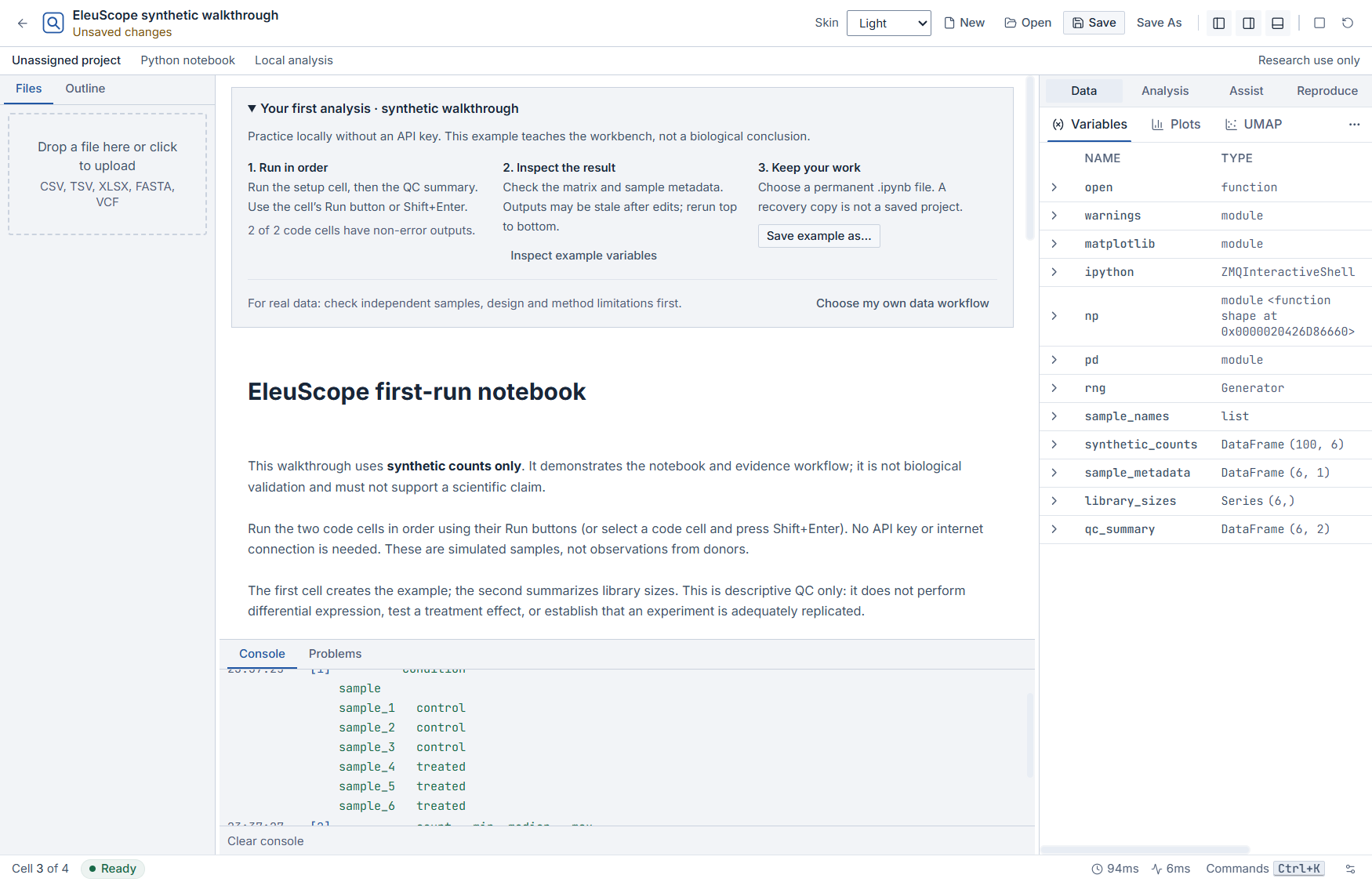
Run the example. Inspect the variables. Save and reopen your work. Captured from the Windows app using synthetic data—not a biological result. Open the image to inspect it at full size.
A method is only useful when it fits the experiment. Inspect the design before interpreting the result.
Interface walkthrough, not an analysis result. The desktop app includes Light, Dim and Terminal skins; scientific figure encodings stay consistent.
Tools for exploration and analysis.
Boundaries that stay
visible.
Start with raw counts and sample metadata. Review the experimental design before differential expression.
Guided v1: two independent, unpaired groups. Paired and covariate-adjusted designs are not supported here.Inspect quality, explore populations and review annotation candidates without losing the context.
Cell counts are not a substitute for biological replication.Inspect citations, methods and recorded decisions. Keep the reasoning connected to the work.
A resolved reference does not prove a biological claim.Atlas Match, conversational planning, spatial, multimodal and observed perturbation workflows.
Emerging tools retain explicit limitations; availability is not validation.An early Windows test build for trying local notebooks, data inspection and analysis. Read the testing notes for available features and known limitations. This link can be shared; it does not require an account.
Signed installers, reviewed scientific evidence, published policies and tested support are requirements for public release.
A working demo is not a validation claim. No paid plan or bundled AI allowance is offered here without approved commercial configuration.
No purchase required for the available local tools. Subscription AI and some Pro features are not enabled in this beta.No. This is the product website. EleuScope is a downloadable desktop application with a local Python engine.
Core analysis runs locally with installed packages and reference packs. AI services, remote references, activation and updates can require internet access. Availability depends on the workflow and installed dependencies.
Local analysis does not require an AI provider. When you explicitly use an AI-assisted feature, relevant context is sent through the configured connection. Review the feature’s data disclosure before using sensitive information. This website does not upload or analyze research data.
Software tests do not establish scientific validity. Workflow-specific real-data qualification and independent review are tracked separately. Check the Validation Center and retain the limitations for your analysis.